Here’s a question every product brand gets: “Is this serial number registered?”
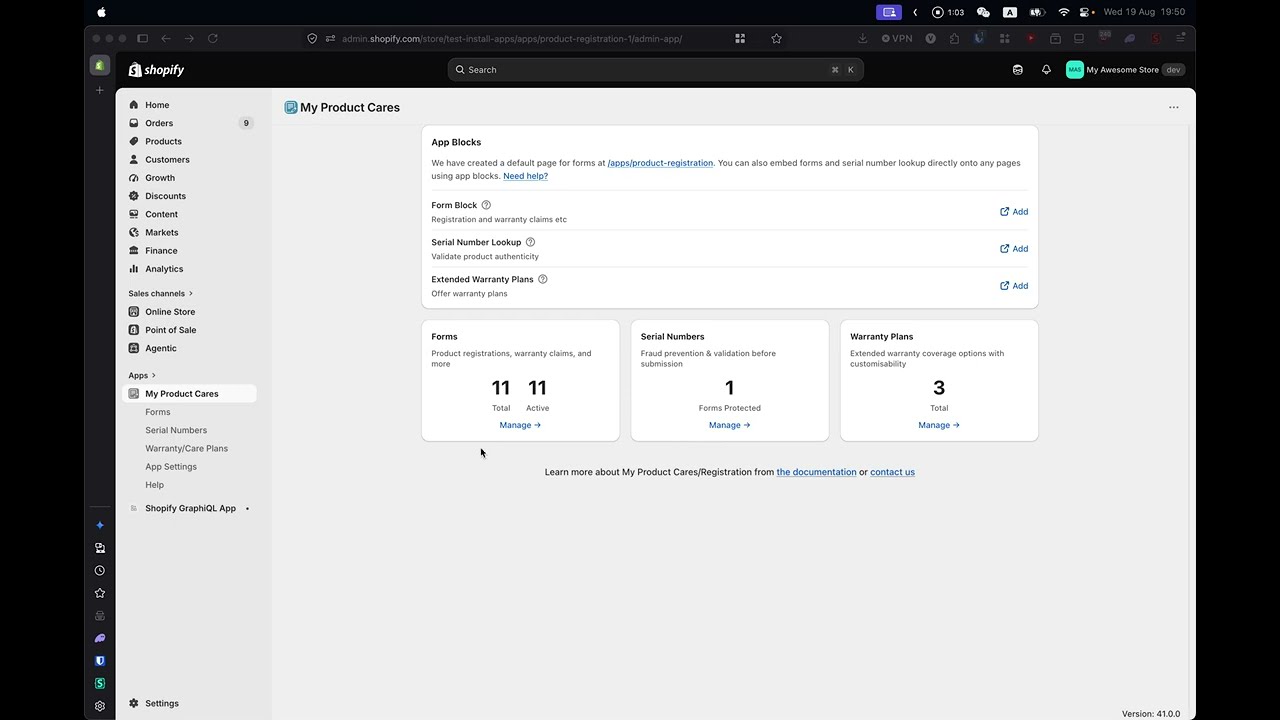
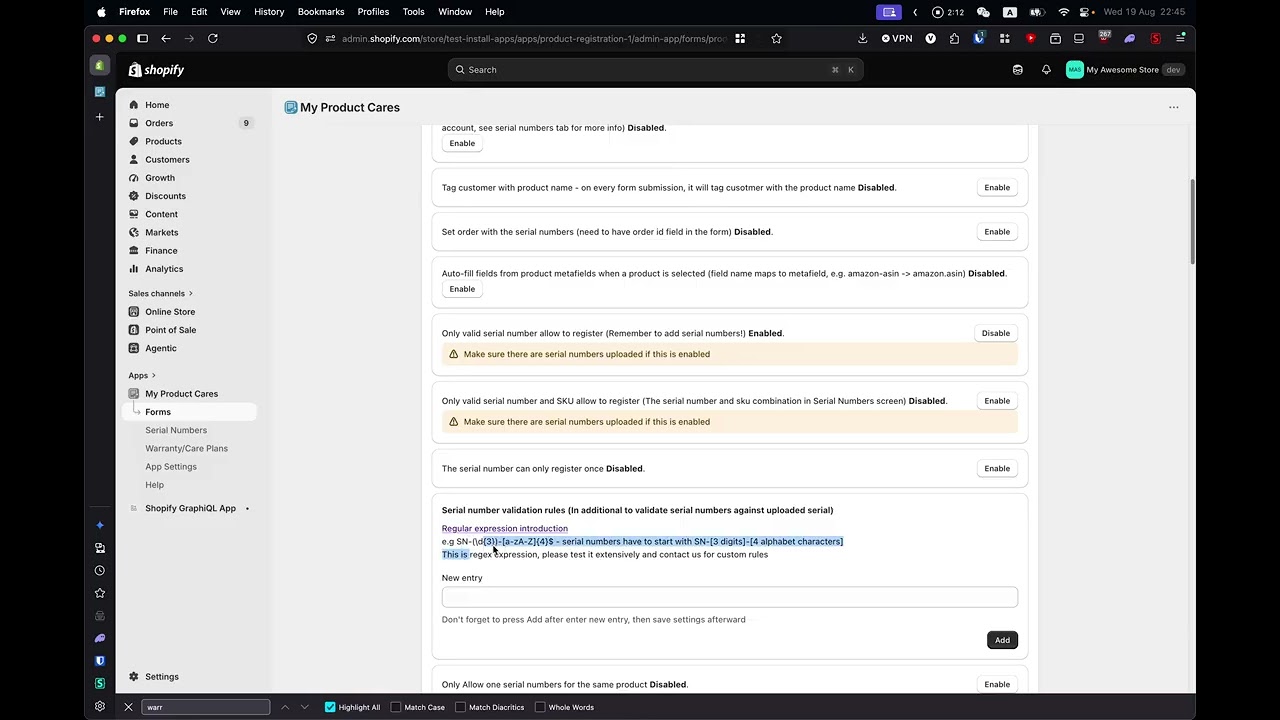
Here’s how it usually gets answered: someone logs into an app, opens the registrations page, types the serial into a filter, maybe realizes it’s under claims instead, re-filters, finds the entry, and pastes the answer into a reply. Two minutes if everything goes well. Longer if the question is fuzzier — “how many registrations did we get from the loyalty form this month?” — because now we’re into exports and spreadsheets.
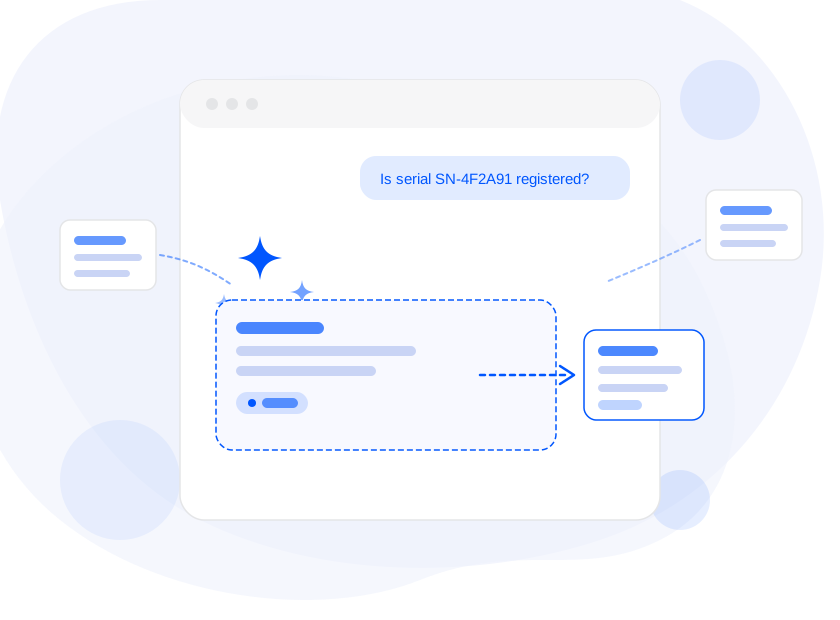
Here’s the new way: you open Sidekick in your Shopify admin and type, “Is serial number SN-4F2A91 registered?” You get the answer — registered or not, by whom, with a link that opens the exact entry in My Product Cares.
That’s what our new Sidekick integration does. And if you’re running a product brand on Shopify, it turns your after-purchase data into something your whole team can query in plain English — without opening a single filter.
What Is Sidekick?
Sidekick is Shopify’s AI assistant, built directly into the Shopify admin. It answers questions, pulls reports, and helps merchants work faster without leaving the flow of running their store. If you’ve seen the Sidekick panel in your admin, you already know the experience: you ask in normal language, it does the work.
Until recently, Sidekick only knew about Shopify’s own data — orders, products, customers. That’s useful, but your product registrations, warranty claims, and serial numbers live in My Product Cares, not in Shopify’s native tables. So Sidekick couldn’t help with any of it.
That’s what Sidekick app extensions changed. Apps can now connect their data to Sidekick, so it can answer questions using your app’s information alongside Shopify’s. My Product Cares is one of the first product registration apps to ship one.
What You Can Ask
The integration exposes ten lookup capabilities to Sidekick. In practice, you just ask naturally — Sidekick picks the right tool. Some real examples:
Registration activity:
- “How many product registrations did we get this week?”
- “Which products got registered the most this month?”
- “Show me recent registrations for the espresso machine”
Warranty claims:
- “How many warranty claims are open right now?”
- “Show claims from the last two weeks that are still pending”
Serial numbers:
- “Is serial number SN-4F2A91 registered?”
- “How many serials for SKU KETTLE-BLK are still unregistered?”
Warranty coverage and renewals:
- “Which warranties expire in the next 30 days?” — you get the customers to contact, soonest first
- “What warranty plans do we have set up?”
Customer and order context:
- “What has jane@example.com registered?”
- “Is order #1042 registered?”
Every answer comes with links. When Sidekick finds a registration or a claim, the result links straight to that entry in My Product Cares — one click and you’re looking at the full record: form answers, status history, notes, attached orders. Sidekick gives you the summary; the deep link gives you everything else.
No Setup. Seriously.
Some integrations ask things of you: configure an API key, place a block, enable a setting. This one asks nothing.
If My Product Cares is installed on your store, the Sidekick integration is already live. There’s nothing to enable, nothing to connect, and nothing extra to pay. Open Sidekick in your Shopify admin and ask — that’s the entire setup process.
The only requirement is that Sidekick itself is available in your Shopify admin. Sidekick is rolled out by Shopify across plans, regions, and languages — if you can see it in your admin, our integration works with it. If you can’t see it yet, it will start working automatically when Shopify brings Sidekick to your store.
Answers You Can Trust — Because They’re Read-Only
Handing your registration data to an AI assistant sounds convenient. It should also sound slightly alarming — can it change things? Delete a registration? Approve a claim?
No. The integration is read-only, by design and by architecture. Sidekick can look up your registrations, claims, serial numbers, and warranty plans — it cannot create, edit, or delete any of them. When you want to make a change, the answer includes the link into My Product Cares, and the change happens where it always has: in the app, with your statuses, your email templates, and your confirmation steps.
The answers are also grounded, not guessed. Sidekick isn’t improvising from what it “knows” about your store — it’s querying your actual registration data through My Product Cares and summarizing what comes back. If a serial number isn’t in your system, it says so.
And your data stays scoped to your store. The integration answers questions for your shop, from your data, through the same secure session you already use in the Shopify admin.
Why This Matters Beyond Convenience
Your whole team gets access to the data. Until now, answering “is this registered?” required knowing how to use the app. Now anyone who can use Sidekick can get the answer — support staff, store managers, the founder answering emails at midnight. The app stays the system of record; the assistant becomes the front door.
Support gets faster. Warranty and registration questions are the bread and butter of after-purchase support. Cutting each lookup from minutes to seconds compounds across every ticket, every chat, every phone call.
Renewal revenue gets easier. “Which warranties expire in the next 30 days?” used to be a report you built. Now it’s a question you ask — and the output is a contact list for a renewal campaign, ready when your marketing impulse strikes.
It compounds with Shopify’s own data. Because Sidekick sees both worlds, you can ask questions that span them: order behavior alongside registration behavior, customer context alongside claim history. That’s not something a standalone registration portal could ever offer.
The Bottom Line
Shopify Sidekick is becoming the command line of the modern Shopify admin — the place where merchants ask and things happen. Apps that plug into it put their data where the conversation is already happening.
My Product Cares now does exactly that: your product registrations, warranty claims, serial numbers, and warranty plans, queryable in plain English, answered with real data and one-click links, with zero setup and zero risk of unwanted changes.
Already using My Product Cares? Open Sidekick in your Shopify admin and try “How many registrations did we get this week?” — it’s already working on your store.
Not using it yet? Install My Product Cares, get your registration forms and warranty flows running, and your after-purchase data becomes assistant-ready on day one.
The best tool is the one that answers before you finish asking.